AI Image Generator Addon for Presentations

Create stunning, professional images for your presentations in seconds with our powerful AI image generator addon

See How It Works

Watch how easy it is to generate AI images for your presentations

Instant Presentation Visuals with AI Image Generator Addon

Enhance your presentations with our powerful AI Image Generator Addon. Creating compelling presentation visuals has never been easier. Just type what you're imagining, and our AI brings it to life within seconds. Whether you need data visualizations, conceptual illustrations, or eye-catching graphics for your business pitch, the possibilities are endless. No design skills required – just your creativity and a clear description.

Professional AI-generated business presentation visuals showing modern data visualization and corporate graphics

Seamless Integration as an Addon

Our AI Image Generator Addon integrates seamlessly into your existing workflow. Why juggle multiple tools when everything you need is right here? Our addon eliminates the hassle of downloading images from one place and uploading them to another. Generate your visual, and it's instantly ready to drop into your presentation. The workflow is smooth, intuitive, and designed to save you valuable time during those crucial moments before a big presentation.

AI image generator addon interface showing seamless integration with PowerPoint and Google Slides presentations

Professional Results with AI Image Generator Addon

There's a noticeable difference between amateur graphics and professional-grade visuals. Our AI Image Generator Addon uses models trained on millions of high-quality images, understanding composition, color theory, and visual balance. The result? Images that genuinely enhance your message and make your presentations stand out. Your audience won't just see slides – they'll remember them.

Professional quality AI-generated images perfect for business presentations and corporate slide decks

How to Create Stunning AI Images with Our Addon in 4 Simple Steps

  1. 1

    Write Your Prompt

    Start by describing exactly what you want to see. Be specific about colors, mood, style, and composition. The more detail you provide, the better your results will be.

  2. 2

    Select Your AI Model

    Choose from industry-leading models like Flux Pro for artistic images, Google Imagen for photorealism, or Stable Diffusion for creative flexibility.

  3. 3

    Generate and Preview

    Click generate and watch as your text transforms into a professional image in just seconds. Review your creation and refine if needed.

  4. 4

    Add to Presentation

    Instantly insert your AI-generated image into your slides.

AI generated image example: Futuristic library in the clouds. - created using MagicImage AI image generator addon

Futuristic library in the clouds.

AI generated image example: Neon brain made of circuits. - created using MagicImage AI image generator addon

Neon brain made of circuits.

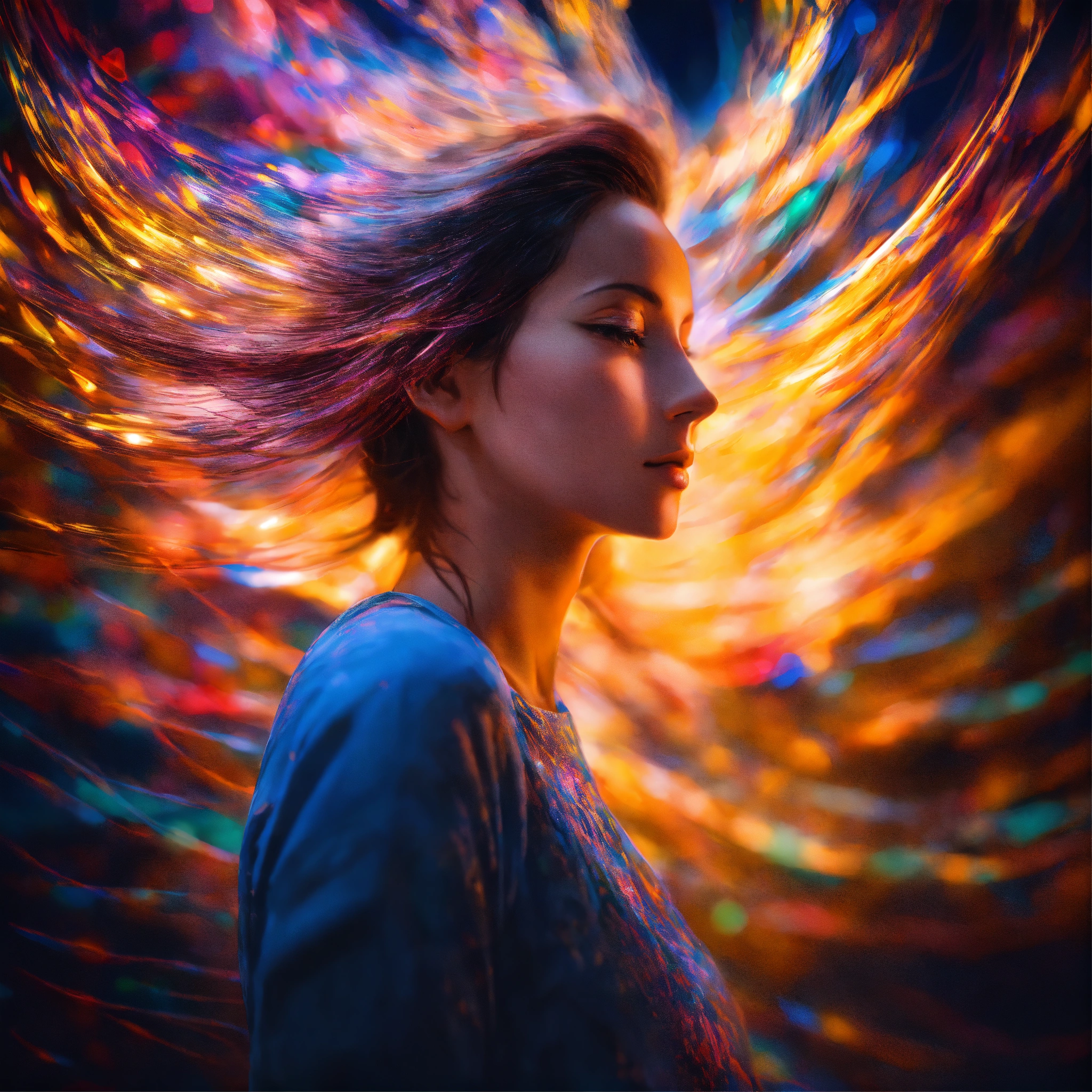
AI generated image example: Cosmic wave forming a human silhouette. - created using MagicImage AI image generator addon

Cosmic wave forming a human silhouette.

AI generated image example: Stack of books morphing into screens. - created using MagicImage AI image generator addon

Stack of books morphing into screens.

AI generated image example: Butterfly wings made of stained glass colors. - created using MagicImage AI image generator addon

Butterfly wings made of stained glass colors.

Expert Tips for Better AI-Generated Images with Our Addon

Start with What Matters Most

Think of your prompt like a story – the beginning matters most. AI models give more weight to words that come first. Want a red sports car? Say "red sports car" not "car that is red and sporty." This simple trick can dramatically improve your results and save you time tweaking prompts.

Add Descriptive Details

Don't just say "office." Try "modern minimalist office with natural light, wooden desk, and green plants." The difference is night and day. Think about lighting, style, mood, colors, and composition. Each detail you add helps the AI understand your vision more clearly.

Iterate and Improve

Your first attempt rarely hits the mark perfectly – and that's okay. Take what works, adjust what doesn't, and try again. Maybe the colors are off, or the composition needs tweaking. Each iteration teaches you what language the AI responds to best. It's a skill that improves with practice.

Frequently Asked Questions About Our AI Image Generator Addon

It's straightforward. Type what you're looking for in the text box – be as specific or as creative as you want. Pick one of our AI models (Flux Pro is great for most use cases), hit generate, and within seconds you'll have a professional image ready to go. You can drop it right into your slides or download it for later. No complicated workflows, no extra apps to juggle.

Why Choose Our AI Image Generator Addon for Presentations?

In today's fast-paced business world, creating compelling presentations quickly is more important than ever. Our AI-powered image generator addon transforms the way professionals create visual content for their slides. Whether you're preparing a sales pitch, investor deck, marketing presentation, or educational material, having the right visuals can make or break your message.

The Power of Text-to-Image AI Technology in Our Addon

Our AI Image Generator Addon leverages state-of-the-art artificial intelligence models including Flux 1.1 Pro, Google Imagen 4, and Stable Diffusion XL. These advanced systems understand natural language prompts and convert them into high-quality, professional images in seconds. What used to take hours with traditional design software or searching through stock photo libraries now happens instantly with a simple text description.

Perfect for Every Professional

Business consultants use our addon to create custom diagrams and conceptual illustrations for client proposals. Marketing teams generate branded visuals for campaign presentations without waiting on designers. Educators develop engaging visual aids for lectures and online courses. Sales professionals create compelling product showcases that close deals. The possibilities are truly endless when you have AI working alongside you.

From Concept to Presentation in Minutes

The traditional workflow of finding, editing, and inserting images into presentations is broken. You search stock photo sites for hours, settle for something that's "close enough," download it, maybe edit it in another tool, then finally add it to your slides. Our integrated addon solution eliminates all those steps. Describe what you need, generate it with AI, and add it directly to your presentation – all within the same workflow.

Commercial-Ready Graphics

Every image you create with our Pro subscription comes with full commercial usage rights. Use them in client presentations, pitch decks, marketing materials, reports, and any business document. No attribution required. No licensing headaches. Just professional visuals ready to support your business goals.

Supporting Multiple AI Models

Different projects require different artistic styles. That's why we've integrated multiple leading AI image generation models in our addon. Flux 1.1 Pro excels at balancing creativity with professional polish. Google Imagen 4 creates photorealistic images that look like actual photographs. SDXL Lightning delivers results in under 5 seconds when you're racing against a deadline. Recraft V3 and Ideogram v3 bring unique artistic interpretations to your concepts. Try them all and discover which model best fits your presentation style.

Start Creating Better Presentations Today with Our Addon

Join thousands of professionals who have transformed their presentation workflow with our AI Image Generator Addon. Whether you create one presentation a month or ten presentations a week, our addon adapts to your needs. Start free, explore the possibilities, and upgrade when you're ready to make AI-generated visuals a core part of how you communicate ideas.